Kiosk mode
Unattended RFID registration
A device runs one locked-down registration flow and returns to the start after each attendee. It cannot be navigated into the rest of your account.
Check-in and access control
Ticket scanning, attendee lookup, kiosk registration, and role-scoped access, all running in a browser on whatever devices your team already carries. No on-site server, no proprietary scanners.
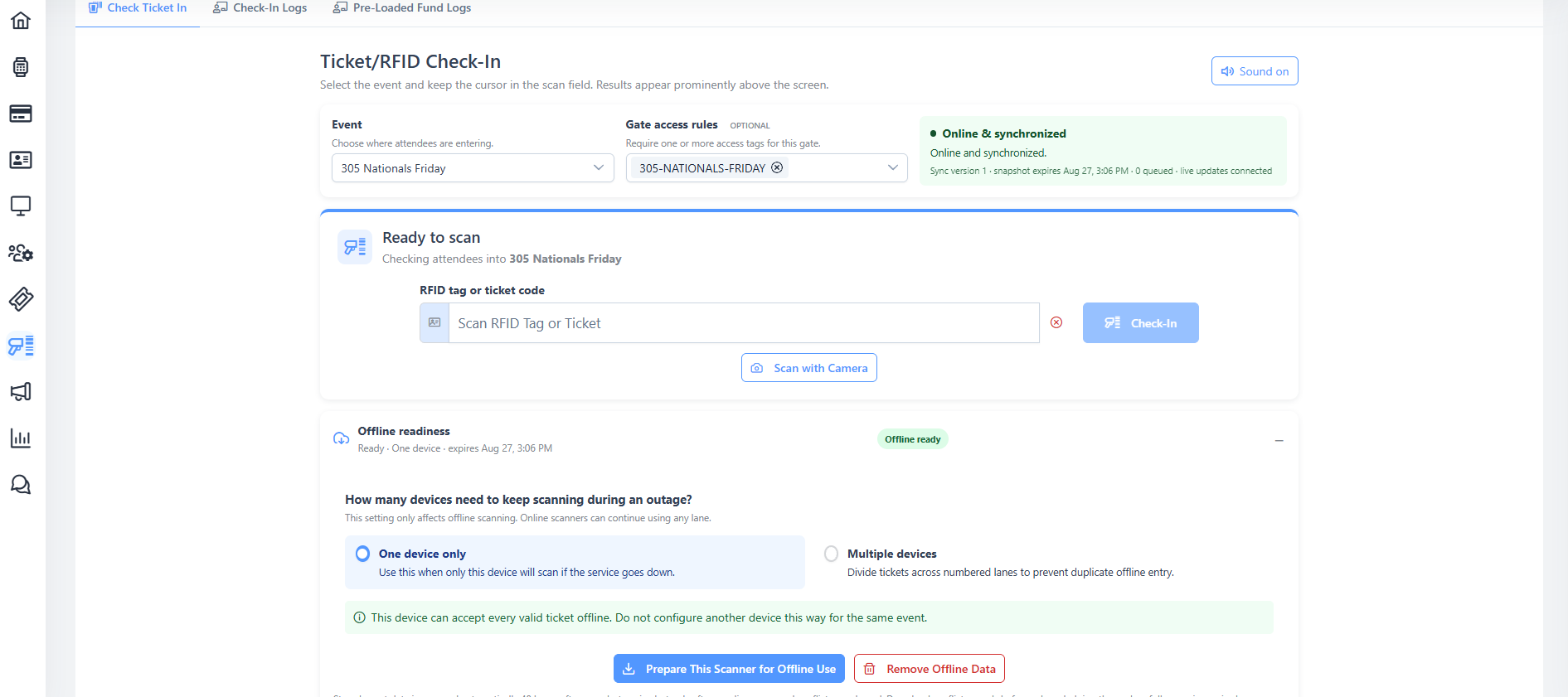
Offline scanning
Scanning devices hold the validation data they need locally, so check-in keeps running through a dead spot, a saturated cell tower, or a dropped uplink. Scans queue on the device and sync as soon as the connection returns.
Scanning
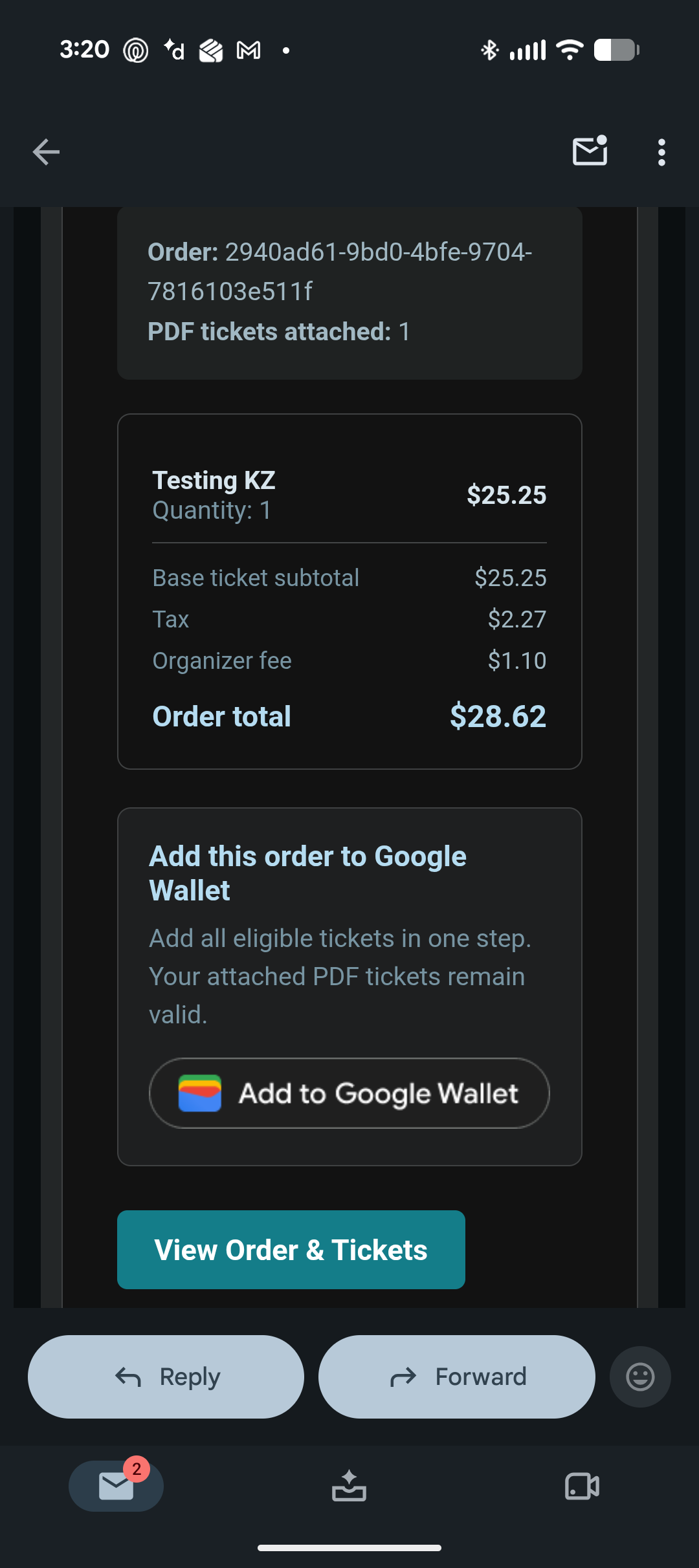
Attendees arrive with whatever they have: a printed ticket, a PDF on a phone, an Apple Wallet or Google Wallet pass, or an RFID wristband. Your staff use the same screen for all of it, and every scan lands against the same attendee record.
Unattended entry points
Registration tablets, self-service RFID sign-up stations, and shared staff devices all sit somewhere a member of your team is not watching. These are the controls for that.
Kiosk mode
A device runs one locked-down registration flow and returns to the start after each attendee. It cannot be navigated into the rest of your account.
Screen locking
Lock a screen per user or across the whole organization. Unlock takes a PIN, so a bar tablet left on a counter is not an open door into your event data.
Learn moreRole scoping
Six roles across three scopes decide what a person can reach. A check-in volunteer gets check-in, not refunds, payouts, or attendee exports.
Learn moreAccountability
Unlimited users is not just a pricing position. It is what makes the audit trail worth having, because nobody has a reason to share a login to save a seat licence.
See staff roles and accessAppend-only administrative audit log
Check-in searches and attendee lookups recorded against a user
Per-event access, so a gate lead is not an account administrator
Realtime team messaging to resolve a gate problem without radios
Connectivity
For years the standard pitch was that festival internet is hopeless, so you should rent an expensive on-site server and run your event on a local network. Satellite services like Starlink have made that argument obsolete. A dish and a generator now give a green field better connectivity than a lot of permanent venues have.
So RFIDify runs in the cloud, where your data is backed up, reachable from anywhere, and not sitting in a trailer that someone has to physically protect for the weekend. And for the moments connectivity still drops, scanning keeps working offline.
Feature detail
Prepare each scanner before gates open and keep admitting people through an outage. Decisions queue locally and sync later, with duplicate protection across lanes.
Learn moreNo gatekeeping
Every feature on this site is in the product today. Create an account, click through the real screens, configure a real event, and decide for yourself. Talk to us when you actually want to.
Free to sign up, no credit card, unlimited users. You can test check-in on your own phone in a few minutes.