Mobile wallet
The ticket lives in the phone, not in an inbox.
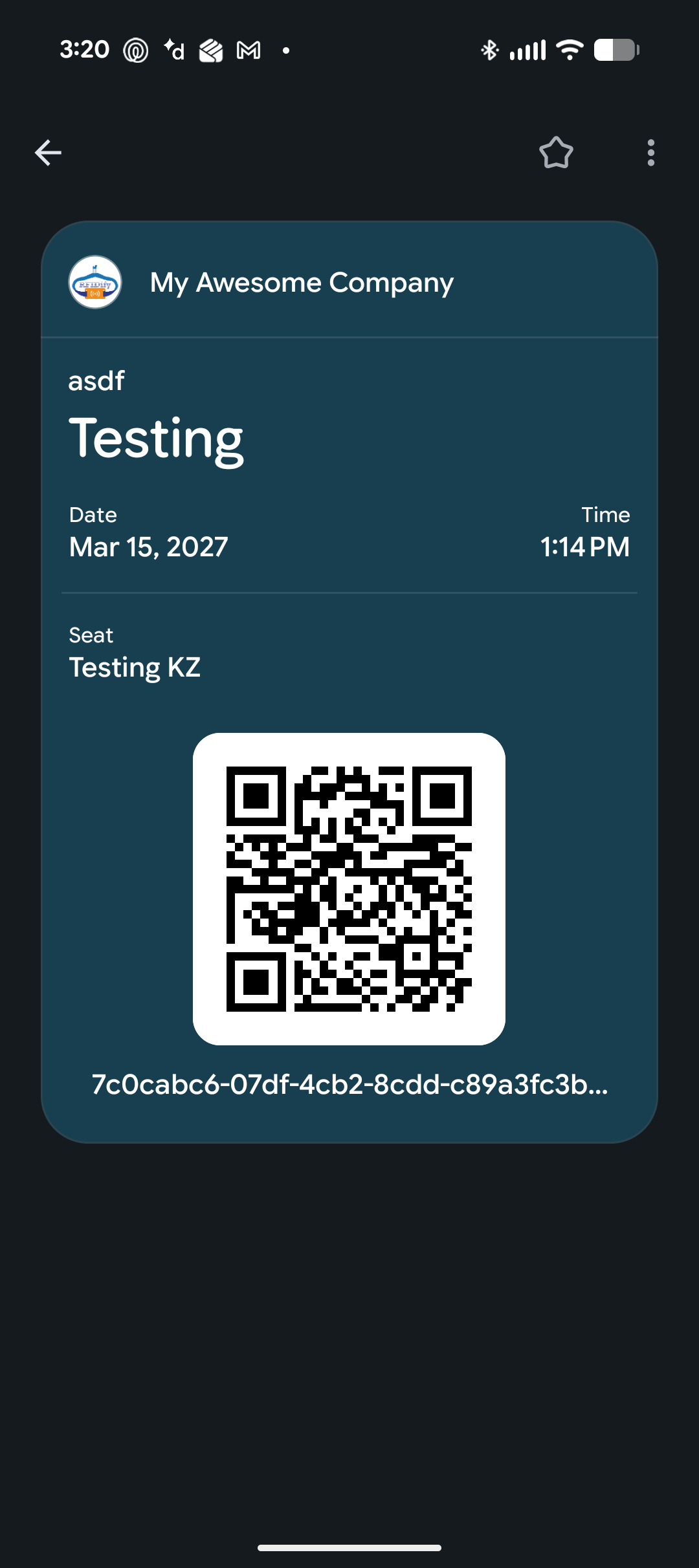
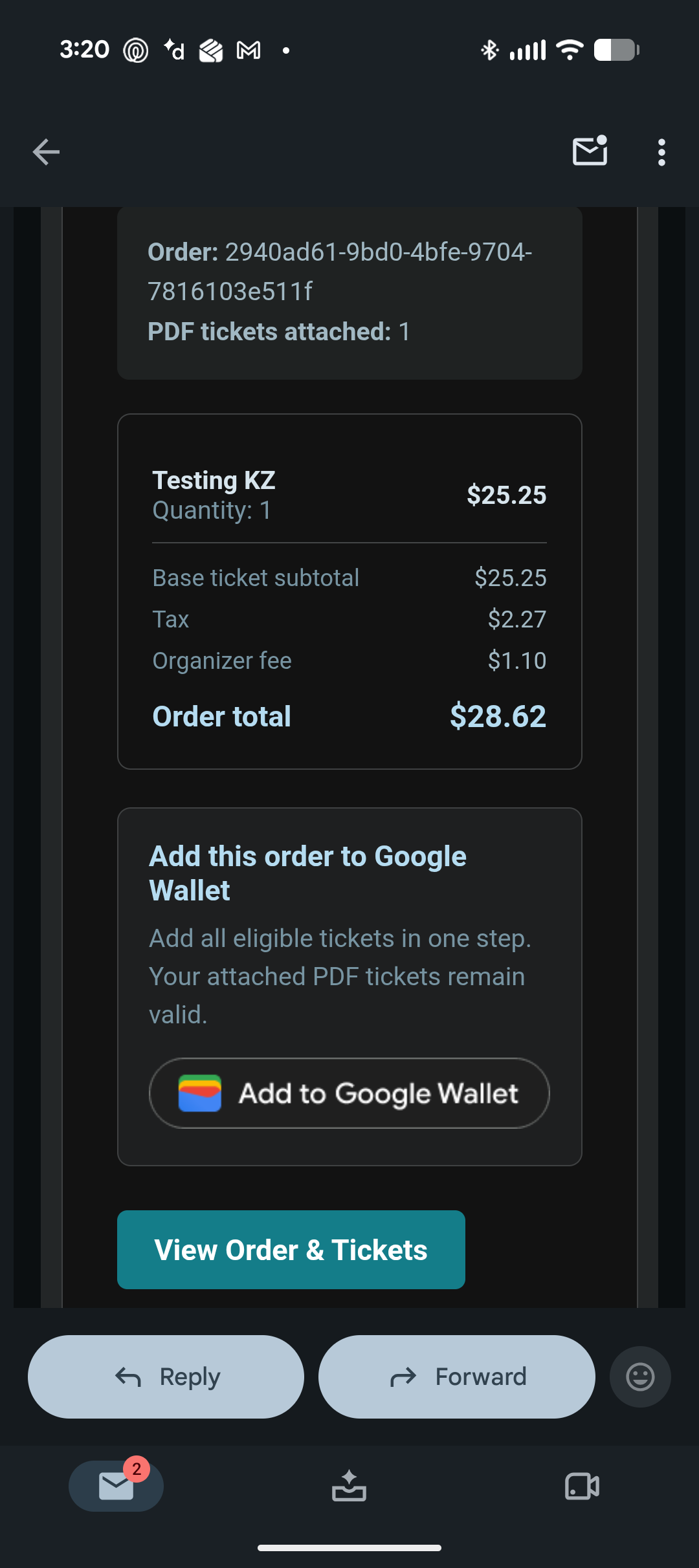
Attendees add their RFIDify ticket to Apple Wallet or Google Wallet from the order confirmation or ticket email. It is the same barcode your scanners already read, so there is nothing new for gate staff to learn and no RFIDify attendee app to install.
For attendees
One tap from confirmation or email to wallet.
The add-to-wallet button appears on the order confirmation and in the ticket email. The pass carries the event name, date, venue, ticket type, seat where one is assigned, and the scannable barcode.
- Add to Apple Wallet or Google Wallet from the confirmation page or email
- The checkout presents the wallet option suited to the attendee's device
- Event, date, venue, ticket type, and assigned seat on the pass
- Works offline on the attendee device once added
- No RFIDify app for attendees to download
- PDF e-tickets still available for anyone who prefers them
For the gate
Nothing changes at the door.
A wallet pass presents the same barcode as the PDF ticket, validated against the same credential list by the same scanners. Offline scanning, duplicate protection, and denial reasons all behave identically.
- Same barcode, same scanners, same check-in logs
- Validated by offline-prepared scanners during an outage
- Duplicate protection across multiple lanes still applies
- No separate wallet reader or hardware to buy
Delivery options
Wallet is one delivery method. You choose which you offer.
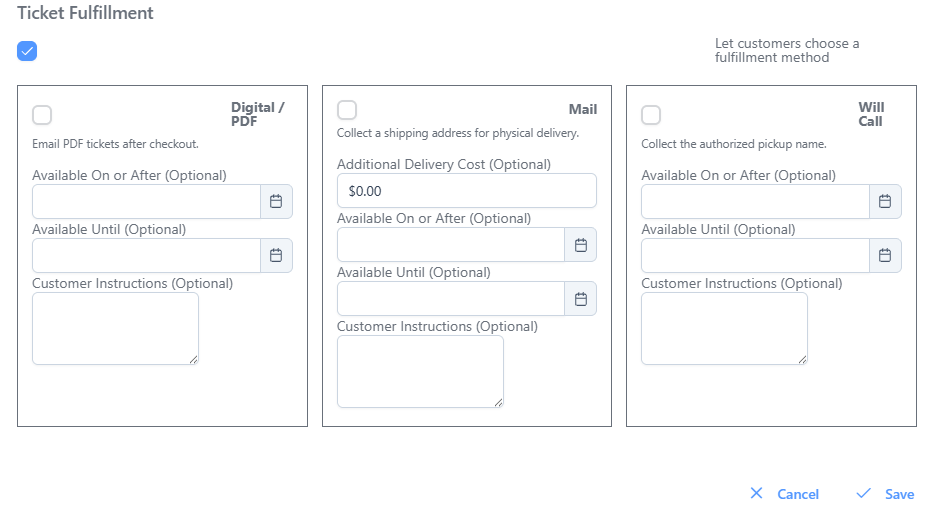
Ticket delivery is configurable per event. Offer digital delivery, physical mail, will call, or any combination, each with its own availability window, instructions, optional mail charge, and fulfillment status workflow.
- Digital delivery with wallet passes and PDF e-tickets
- Mail delivery with an optional shipping charge
- Will call collection with custom pickup instructions
- Per-method availability windows before the event
- Fulfillment status tracking for physical deliveries
No gatekeeping
You should not have to book a call to find out what software does.
Every feature on this site is in the product today. Create an account, click through the real screens, configure a real event, and decide for yourself. Talk to us when you actually want to.
Put your next event in your attendees' wallets.
Sign up free, create an event, and buy a test ticket to see the pass for yourself.